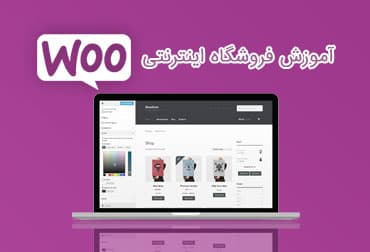
Easily manage your WooCommerce online store by learning the WooCommerce online store management panel.
The WooCommerce training is provided in full with high-quality video.
In our WooCommerce admin panel training, we used version 3.5.2, which is the latest version of WooCommerce to date, and all training chapters are conducted on this WooCommerce online store admin panel.
After watching this tutorial, you can easily manage your WooCommerce online store and change, create, and delete its various sections unlimitedly.
Training Name: WooCommerce Online Store Management Package
Teacher's name: Ashkan Mostofi
Duration: 2 hours and 16 minutes
Through
WooCommerce admin panel training, you can easily manage your store without having any knowledge of
website design and coding.
In WooCommerce training, all sections of the WooCommerce administration panel are taught practically from start to finish and complement the use of itroz site templates.
The quality of the image and sound in this training package is guaranteed and you can see the topics of this training below.
WooCommerce Admin Panel Training Topics
The WooCommerce admin panel training topics are as follows. After this training course, you can easily use the WooCommerce control panel.
- Install a store template
- Install the required plugins
- Check the Persian WooCommerce settings section
- Manage categories
- Create a new category
- Add parent category and subcategories
- Edit and delete categories
- Review of past cases
- Products - Simple Product Creation
- Products - Create simple virtual and downloadable products
- Products - Create Group Product
- Products - Create External/Affiliate Product
- Products - Create a variable product
- Products – Create a unique and relevant product
- Quick configuration
- Configuration
- Common Configuration
- Product Configuration
-
- Public
Anbar
- Downloadable Products
- Transport configuration
- Loading and transport areas
- Transportation options
- Transportation methods
- Payment Gateway Configuration
- Account and privacy configuration
- Configure emails
- Advanced Configuration
- Create a discount coupon
- Simple product ordering
- Variable product order
- Order a downloadable product
- Special Product Order
- Order and apply discounts to products
- User Account Management
- User Management
- Order Manager
- Reports and Status
View the course online
First Session – Tutorial on installing a store template
Second Session – Installing Required Plugins
Session Three – Reviewing the Persian WooCommerce Settings Section
Session Four – Managing Categories
Session Five – A Review of Past Events
Session Six – Products - Simple Product Creation